Previews
A preview shows a new version at its own address, with its own databases, before production. It disappears on its own.
Updated November 21, 2026.
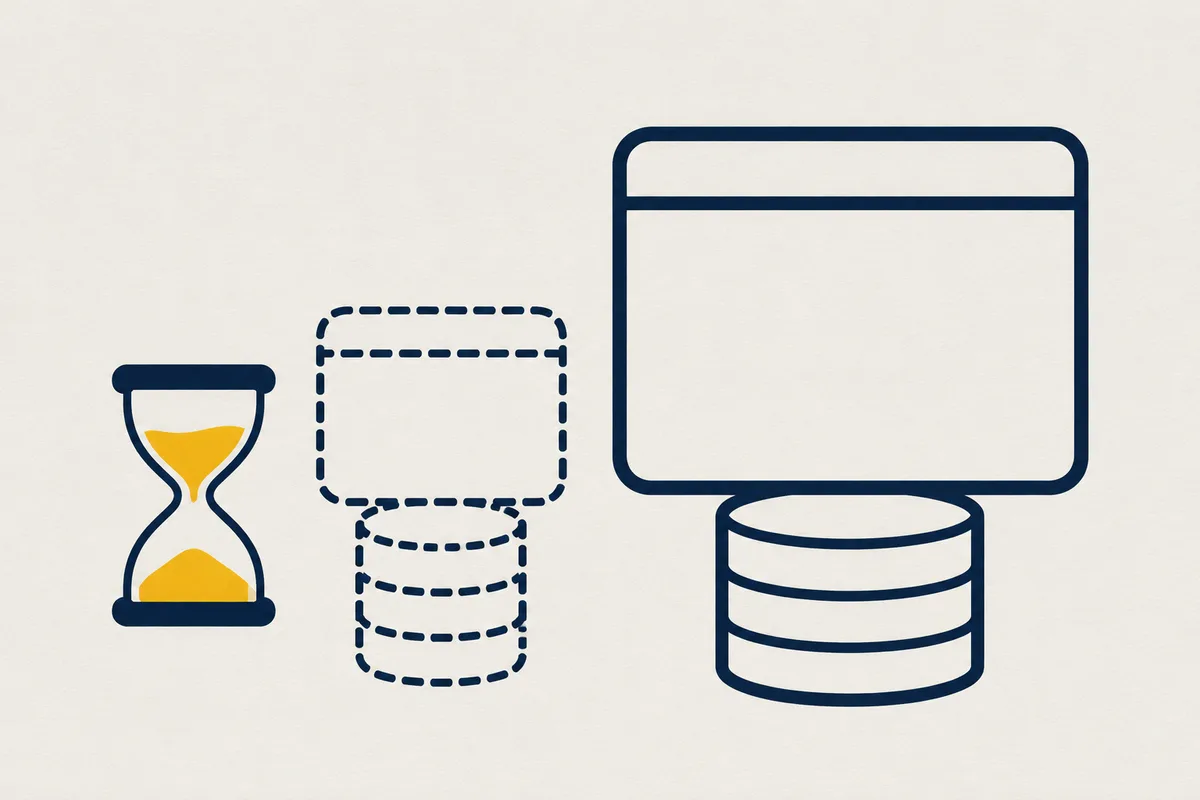
You, to your AI: Show me the new page before you deploy it.
What your agent writes
Your agent writes it in while.yaml, at the root of your app:
apiVersion: while/v1
project: my-app
services:
  - name: web
    port: 3000
environments:
  preview:
    from: production
    ttl_hours: 24
When to use it
Use it to try a branch before production. Using the widget <script src="/__while/retours.js" defer>, a person points out what is wrong, and your agent reads it with list_page_notes.
How it works
A preview takes the production image, with its own variables, databases and address, and disappears by itself. Its databases are born empty, or copied from production on request.
What to know
Without copy_database: true, databases are born empty (initdb): this is intended, not a failure. Copying production data requires create_preview { copy_database: true } and the data.backup right on each production database; without this right, the answer is a 403 that names it.
A copied database is born from production’s last backup, log replayed up to the last archived point: it takes a minute or more depending on its size. If production does not have a full backup yet, the database is born empty. A preview’s S3 buckets are new and empty, and ttl_hours sets its lifetime, whether it was opened by create_preview or by a git push. Its scheduled tasks do not run on schedule: run_task starts them by hand, and environments.preview.crons: true schedules them.
Your agent’s MCP tools
Your agent handles it with the create_preview and destroy_environment tools.